One-Click Pipeline
Generate script → voiceover → images → full production kit in one go.
Script Generator
Generate an AI-powered video script with sections, hooks, and CTA.
## HOOK
What if your team stopped asking, “How do I do this again?” every single week? What if your business could turn repeated tasks into a living system that trains itself, updates itself, and actually gets better over time? That’s what an AI-powered SOP system can do. Not in theory. In a real business, with real tools, and a setup you can start building today.

## INTRO
Welcome to LeanOps AI, where we break down practical AI workflows that help businesses do more with less friction. In this video, I’m going to show you how to build an AI-powered SOP system that can run a big part of your operations on autopilot.

We’re not talking about a folder full of dusty documents nobody reads. We’re talking about a system that captures your processes, turns them into clear SOPs, keeps them updated, assigns them to the right people, and uses AI to answer questions, generate drafts, and reduce repetitive management work.

By the end of this video, you’ll know exactly how to set up the workflow, which tools to use, and how to connect everything so your SOPs actually save time instead of creating more work.

## SECTION 1: WHY MOST SOP SYSTEMS FAIL
The first problem is simple: most SOP systems are static. Someone writes a process once, uploads it into Notion or Google Drive, and then nobody touches it again. A few months later, the process changes, the tool changes, the team changes, and now the SOP is either wrong or useless.

The second problem is that SOPs are usually hard to find. The information is scattered across documents, Slack messages, Loom videos, shared drives, and people’s heads. So when someone needs help, they don’t look for the SOP. They just ask a teammate.

The third problem is that even when SOPs exist, they’re written in a way that’s too long, too vague, or too theoretical. A useful SOP should answer three things fast: what the task is, who owns it, and exactly how to complete it.

This is where AI changes the game. Instead of manually maintaining everything, AI can help you capture tribal knowledge, convert it into standard operating procedures, summarize updates, and even act like a first-line SOP assistant for your team.

The goal is not just documentation. The goal is operational memory.

## SECTION 2: THE CORE BUILDING BLOCKS OF AN AI SOP SYSTEM
To build this properly, you need five parts.

First, a central knowledge base. This is where your SOPs live. For most teams, Notion is the easiest place to start because it handles databases, pages, templates, permissions, and internal search very well. Confluence is also strong if your company is already deep in the Atlassian ecosystem. For simpler teams, ClickUp Docs can work too.

Second, an AI layer. This is what helps you write, summarize, and refine SOPs. The easiest options are ChatGPT Team, Claude, or Gemini. If your team already uses Microsoft 365, Copilot can be useful inside Word and Teams. If you want deeper workflow automation, you can also connect AI through Zapier, Make, or n8n.

Third, a capture method. This is how you turn real work into SOPs. Tools like Loom, Scribe, Tango, and Guidde are excellent for recording workflows. Scribe and Tango are especially good because they can automatically generate step-by-step process documentation from your actions.

Fourth, an approval and update process. SOPs need owners. Every SOP should have a process owner, a review date, and a status like draft, approved, outdated, or under revision.

Fifth, a distribution layer. This is how team members actually use the SOPs. That could be Slack, Microsoft Teams, an internal portal, or a chatbot that searches your SOP database and answers questions instantly.

If you want the simplest version of this system, think of it like this: capture the process, store it centrally, use AI to refine it, push it into your team’s workflow, and keep it updated automatically.

## SECTION 3: HOW TO CAPTURE SOPS WITHOUT STARTING FROM SCRATCH
This is where most teams get stuck. They think they need to sit down and write perfect SOPs from a blank page. You don’t.

The fastest way to build your SOP library is to record the work as it happens.

Start by identifying your top 10 repetitive workflows. These are usually things like lead handling, invoice processing, onboarding a new hire, responding to common customer requests, publishing content, updating CRM records, or escalating support tickets.

Then pick one workflow and record someone doing it with Loom or Scribe. If you use Scribe, it can automatically capture each click and turn the process into steps. If you use Loom, you can narrate while doing the task, then use AI to turn the transcript into a structured SOP.

After the capture, send the transcript or raw steps into ChatGPT or Claude and ask it to convert the process into a standard SOP format. A good format is: purpose, scope, tools needed, prerequisites, step-by-step instructions, quality checks, exceptions, and owner.

Here’s the important part: don’t ask AI to write a generic SOP. Give it context. Tell it who the SOP is for, what tool stack you use, what mistakes people usually make, and what “done right” looks like.

For example, if you’re documenting lead qualification, include your CRM, your qualification criteria, your handoff rules, and the exact fields that must be updated. That turns an average SOP into a usable one.

You can also use meeting transcripts from tools like Fireflies, Otter, or Zoom AI Companion to capture how experienced team members explain a process. That’s extremely valuable for turning tribal knowledge into formal documentation.

The trick is to make SOP creation a byproduct of work, not a separate project.

## SECTION 4: DESIGN THE SOP TEMPLATE ONCE, THEN SCALE IT FAST
If every SOP looks different, nobody will use them consistently. So you need a standard template.

A strong AI-ready SOP template should include:

Title
Purpose
Owner
Last updated
Review date
Tools required
Trigger event
Step-by-step process
Decision points
Escalation path
Quality check
Related SOPs

This structure matters because AI works better when it knows how to organize information consistently.

In Notion, you can turn this into a database template so every new SOP follows the same structure. In Confluence, you can create a page template. In ClickUp, you can use Docs plus custom fields.

Now here’s where AI becomes useful again. Once the template exists, you can ask ChatGPT or Claude to do three jobs.

First, summarize the SOP into a short quick-reference version.
Second, create a checklist version for the team.
Third, generate a training version for onboarding new hires.

That means one process can become three assets from one capture. A full SOP, a checklist, and a training summary.

This is how you avoid creating giant documents nobody reads. The long version is for reference. The short version is for execution.

For teams with lots of recurring operations, you can also create SOP categories like sales, customer support, finance, HR, and operations. That way, people can browse by function instead of digging through a giant folder.

## SECTION 5: AUTOMATE SOP MAINTENANCE WITH AI WORKFLOWS
This is where the system starts feeling like autopilot.

Your SOPs should not just sit there. They should be reviewed automatically and flagged when something changes.

Here’s a simple workflow you can build with Zapier, Make, or n8n.

When a process owner updates a tool, a policy, or a CRM field, that change gets logged in Slack, a form, or a task manager like Asana or ClickUp. That trigger creates a review task in your SOP system. The SOP owner gets notified, and AI generates a suggested update based on the change notes.

For example, if your support team changes the refund policy, the workflow can detect the policy update, open the related SOP, summarize what needs to change, and create a draft revision for approval.

You can also schedule monthly or quarterly SOP audits. Use automation to create review tasks in Notion or Asana. Then have AI scan the SOP for outdated references, broken links, old screenshots, missing steps, or inconsistent terminology.

If you’re using a shared knowledge base, you can even connect a chatbot using tools like ChatGPT with custom knowledge, Voiceflow, or Slack integrations. Then employees can ask questions like, “How do I escalate a billing issue?” or “What’s the current onboarding checklist?” and get an instant answer from your SOP library.

That’s the real value here. You’re not just storing knowledge. You’re making it accessible at the exact moment someone needs it.

One more powerful workflow: use AI to detect repeated questions in Slack or Teams. If the same question appears over and over, that’s a sign the SOP is missing, unclear, or buried. Turn those repeat questions into new SOPs automatically.

## SECTION 6: HOW TO CONNECT SOPs TO BUSINESS EXECUTION
An SOP system is only useful if it changes behavior.

So the next step is to connect SOPs to the actual work.

For onboarding, every new hire should have a role-specific SOP path. In Notion or ClickUp, that means a checklist of required SOPs tied to their role. AI can help assign the right SOPs based on department and seniority.

For sales and operations, SOPs should be linked directly to tasks in your CRM or project management system. For example, when a lead becomes qualified in HubSpot or Salesforce, an automation can create the next task set and attach the relevant SOP.

For customer support, each ticket category should map to a SOP. If a ticket is tagged “billing,” the agent gets the billing SOP. If it’s “technical issue,” they get the technical escalation SOP.

For finance, recurring approvals like invoice review, payment exceptions, and month-end close should each have a documented SOP with a checklist and owner.

The point is to make SOPs part of the workflow, not a separate destination.

And if you want one more layer of automation, use AI to generate task checklists from the SOP itself. That way, the procedure becomes an action plan automatically. Instead of reading a long document, the employee gets a clean task list with the right steps in the right order.

That’s how you reduce mistakes, speed up execution, and make the business less dependent on memory.

## SECTION 7: THE SIMPLEST STACK TO START WITH TODAY
If you want to build this without overengineering it, here’s the stack I’d recommend for most teams.

Use Notion as your SOP hub.
Use Loom or Scribe for capture.
Use ChatGPT or Claude for drafting and summarizing.
Use Zapier or Make for automations.
Use Slack or Microsoft Teams for distribution.
Use Asana, ClickUp, or Jira for task execution.

That stack is simple, practical, and flexible enough for most B2B teams.

Here’s the build order.

Start with one department.
Pick five high-frequency workflows.
Record each one.
Use AI to draft the SOPs.
Put them into a standard template.
Assign owners and review dates.
Connect the SOPs to tasks and notifications.
Then build the chatbot or internal search layer.

Do not try to automate everything at once. Build the system around the bottlenecks that cost the most time.

If your team keeps asking the same questions, start there.
If onboarding takes too long, start there.
If a process breaks every month, start there.

That’s how you get real ROI fast.

## RECAP
Let’s recap the system.

First, stop thinking of SOPs as static documents. Treat them like living operational assets.

Second, capture processes with tools like Loom, Scribe, or Tango instead of writing everything manually.

Third, use AI tools like ChatGPT, Claude, or Copilot to turn raw process capture into clear, structured SOPs.

Fourth, store everything in one central system like Notion, Confluence, or ClickUp Docs with consistent templates and ownership.

Fifth, automate reviews, updates, and distribution with Zapier, Make, n8n, Slack, Teams, and task management tools.

And finally, connect SOPs directly to actual business execution so your team uses them every day.

That’s how you build an AI-powered SOP system that reduces chaos, improves consistency, and helps your business run more smoothly with less manual oversight.

## OUTRO + CTA
If you found this useful, subscribe to LeanOps AI for more practical AI workflows for modern businesses.

And I want to hear from you: what part of your business would benefit most from an AI-powered SOP system right now? Is it onboarding, sales ops, customer support, finance, or something else?

Drop your answer in the comments.

And in the next video, I’m going to show you how to turn these SOPs into an AI agent workflow that can actually execute tasks, not just document them. If that sounds useful, make sure you’re subscribed so you don’t miss it.
Scene Images
Generate AI images for each scene in the script.

A modern office team at a deskside computer, looking confused as they repeatedly open the same process notes while a central glowing workflow diagram transforms scattered repeated tasks into an organized self-updating system around them. Clean digital illustration with dark blue and cyan lighting, professional technology aesthetic, no text.

A sleek operations workspace with a faceless presenter beside a floating dashboard wall showing interconnected business tools, workflow automations, and SOP libraries feeding into one central system, suggesting practical AI operations at scale. Dark blue and cyan palette, modern business illustration, soft lighting, no text.
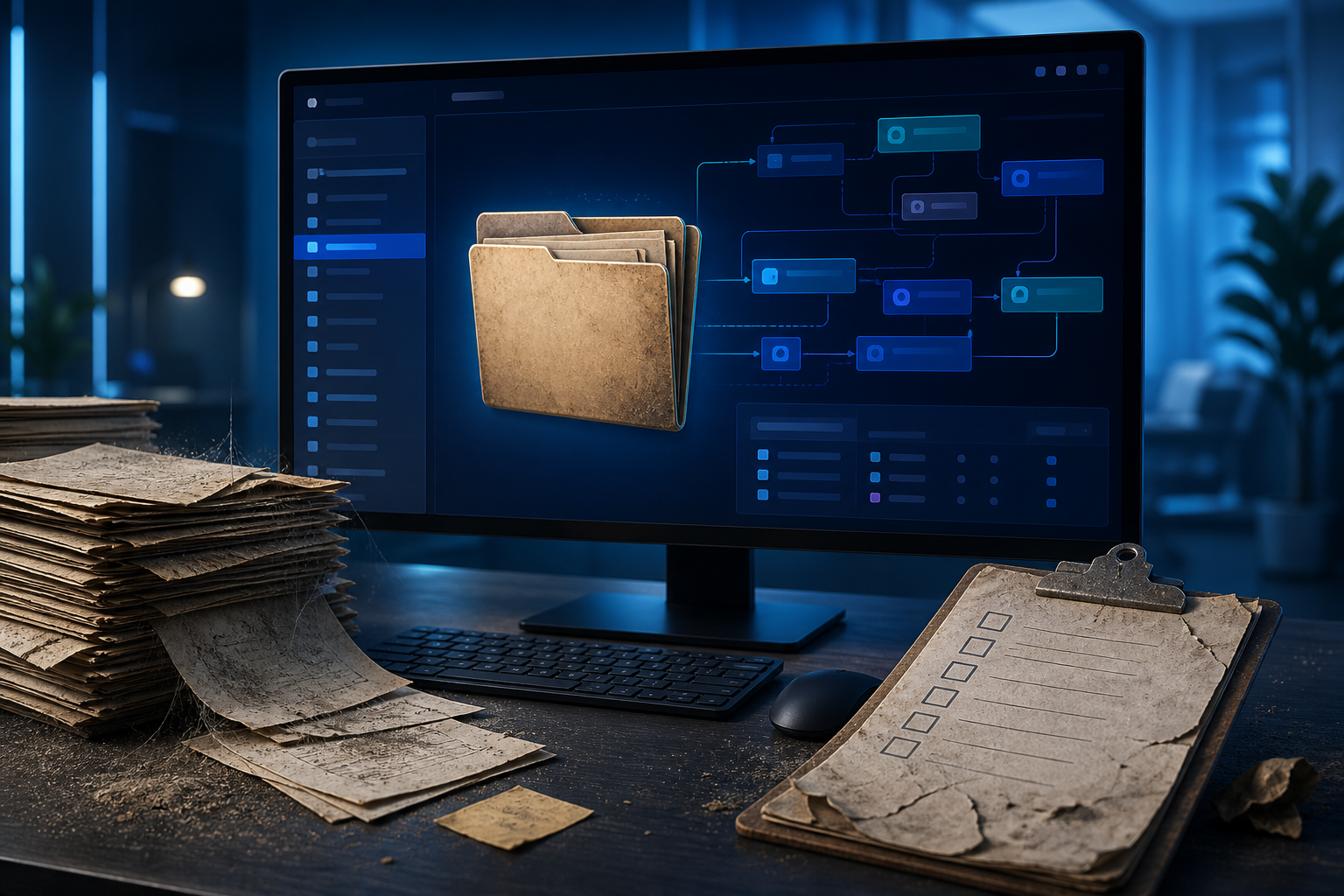
An outdated SOP folder sitting on a monitor while a dusty stack of documents, a broken checklist, and a changed software interface surround it, showing a process that no longer matches how the team works. Clean modern digital illustration, dark blue and cyan tones, soft lighting, no text.
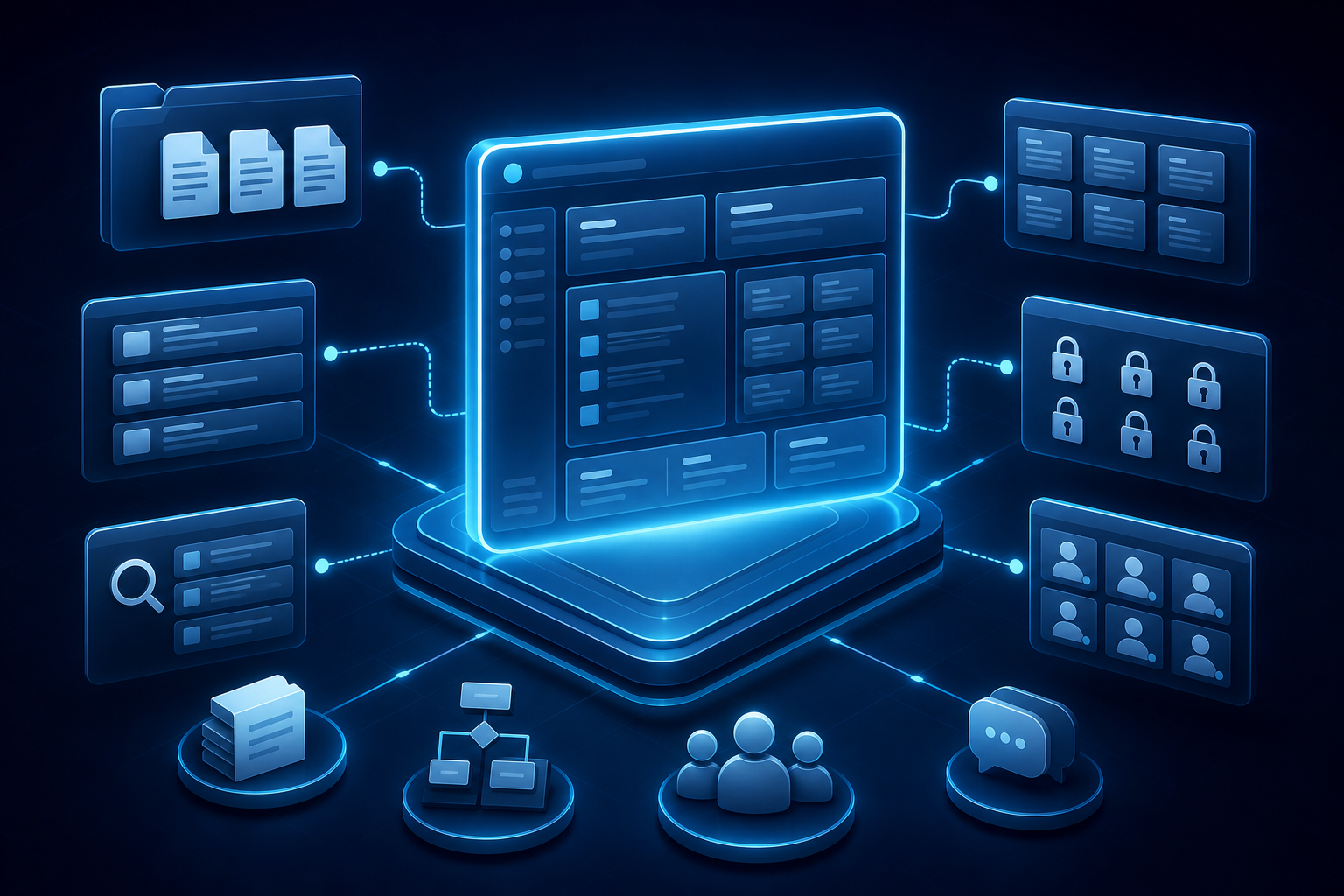
A structured knowledge hub inside a Notion-like workspace, shown as a central database with linked pages, templates, search results, and permission locks, surrounded by icons representing SOP documents and team access. Professional clean illustration, dark blue and cyan palette, no text.

A worker demonstrating a task on a laptop while a screen-recording setup captures the workflow step by step, with floating clips of software actions and voice notes being converted into an SOP draft automatically. Modern faceless business illustration, dark blue and cyan lighting, no text.
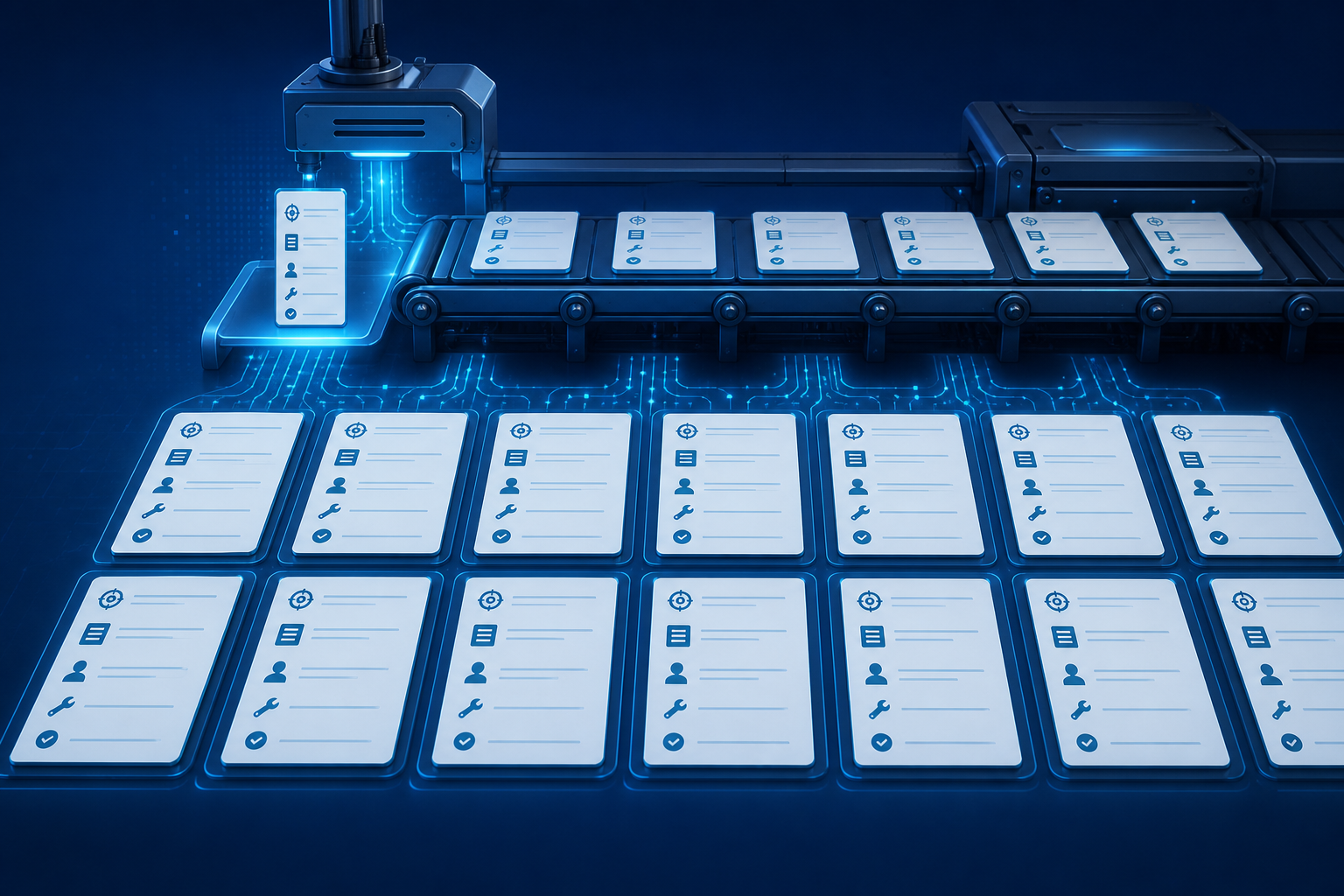
A polished SOP template displayed as several identical cards laid out in an organized grid, each card showing consistent sections with icons for purpose, steps, owner, tools, and review, while a digital assembly line copies the template across many processes. Clean professional illustration, dark blue and cyan palette, no text.

An AI maintenance workflow scene with a SOP document connected to calendar, alert, and change-detection icons, where a glowing AI assistant flags an outdated step and routes it for review on a dashboard. Modern digital business illustration, dark blue and cyan palette, soft lighting, no text.

A business execution scene where an SOP library feeds directly into daily work: employees follow guided task cards on tablets, an operations dashboard updates in real time, and completed tasks light up across departments. Clean modern illustration, dark blue and cyan palette, soft lighting, no text.
Video Assembler
Combine voiceover and images into a downloadable MP4.
Click "Assemble Video" to create the final MP4.
Generate editor-ready assets, then download everything as one package to assemble the final video in your editor of choice.
Storyboard / Shot Sheet
Scene-by-scene edit plan: timings, on-screen text, B-roll and transitions.
Metadata Pack
Titles, description, tags, chapters and a pinned comment for upload.
Captions (SRT)
Timed subtitle file, aligned to the narration. Import into your editor or YouTube.
Thumbnail
A bold 16:9 thumbnail background with room for your headline.
Overlay Graphics
Transparent PNG cards — bullets, stats, quotes, titles & lower-thirds — to pop up over your footage.
Download Production Kit
Bundles voiceover, scene images, thumbnail, overlays, storyboard, captions & metadata into one ZIP.
0 of 5 asset sets generated • voiceover included • 8 images.